
More
An order can be cancelled at any time during the order process as long as payment has not been finalised. To do so, go to the " My orders " section of your account. There you will find all your orders, identified by a number and a status. Orders with a Pending status can be cancelled by clicking on the 3 dots at the top right and then "Cancel order". Once the order has been paid for using a valid payment method, it can no longer be cancelled via the site. In the event of a problem, please
An order may be cancelled by contacting the establishment concerned up to 24 hours before the start of the tournament. Refunds will be made within 7 working days of the request and processing fees may apply.
At the end of your order, if the payment has been carried out correctly, you will receive a confirmation e-mail. If not, check your spam folder. Don't forget to show your identity card at the entrance to the venue to justify your place in the tournament. You can also use the confirmation e-mail.
To get started, make sure you've added your friend's details to the ' My Players ' section of your account. To do this, click on the "Add a new player" link and fill in all the mandatory fields (*). You can also add your friend directly in the shopping basket. In the shopping basket, enter the number of seats required in the "Quantity" field. Then select the number of friends corresponding to the number of seats you require from the drop-down list. Continue the ordering process as normal.
An order can be modified at any time during the order process as long as payment has not been finalised. To do so, click on the "MODIFY ORDER" button to return to the shopping basket stage. Once the order has been paid for using a valid payment method, it can no longer be modified. In the event of a problem, please contact the establishment concerned by the tournament via the dedicated "Contact" page.
Yes, however, your reserved place in the tournament will not be permanently blocked until the order process and payment have been finalised.
Creating an account is essential to be able to place an order and therefore reserve a seat for a Circus Poker tournament. Creating an account will also allow you to consult the history of all your orders, activate promotional codes, modify your contact details, order seats for your friends and keep up to date with all Circus Poker news.
'View basket' button in the pop-up window that appears, or later via the button with the shopping trolley at the top right of your screen. Check the contents of your order and then click on the "ORDER" button. Then fill in/check your personal billing details, choose your payment method and click on the ORDER button (don't forget to accept the terms and conditions).
Have you received a promotional code allowing you to get a discount on one of your orders? Enter the code in the "Promotional code" field during checkout and click on "CONFIRM". The discount will be deducted automatically from your order total.
No, bank transfers are not offered as a payment method at Circus Poker. The reason is simple: in order to reserve a seat for you instantly at one of our poker tables, we need proof of payment, which is itself instantaneous. Only bank cards and credit cards allow us to do this.
At Circus-Poker, your personal data is hosted on dedicated servers and therefore perfectly protected and secured. Every transmission of your personal data is encrypted. This applies to your order and your customer login. To this end, we use the SSL (Secure Socket Layer) encryption system. In addition, we secure our website and other systems using technical and organisational measures against the loss, destruction, access, modification or distribution of your data by any unauthorised person in
♠️ Casino de Spa poker now has its own dedicated Facebook page ♠️ The Casino de Spa is launching a new Facebook page devoted exclusively to poker in order to centralise all its news on a dedicated channel. 🎯 What can you find on this new page? The Circus Poker - Casino de Spa page will allow you to easily follow : practical information on tournaments and cash games poker event schedules and formats highlights, atmosphere and special moments around the tables poker news organised at the Casino
209,72 16 90 € 20 ALIBERTO ANGELO 208,89 9 90 € Extra Payout: 1 Oh Yeah 1.100 € Ticket Live 2 BLASER STEPHANE 2x 10⁹ $ Ticket Online 3 NIEGHO MIKE $109 Ticket Online 4 FERON JOHNNY $55 Ticket Online 5 MIAH SAJJAD $55 Ticket Online In order to get your
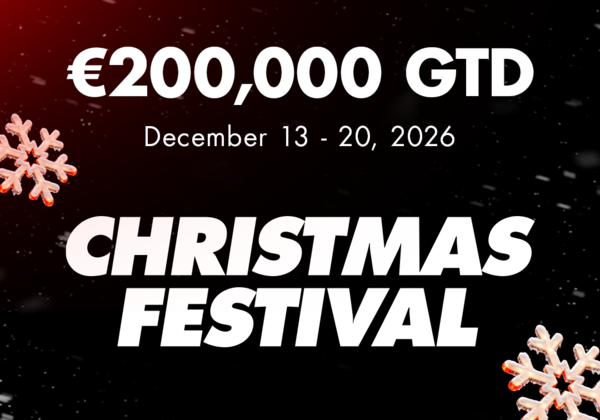
Father Christmas will be arriving early at the Circus Casino Resort Namur!
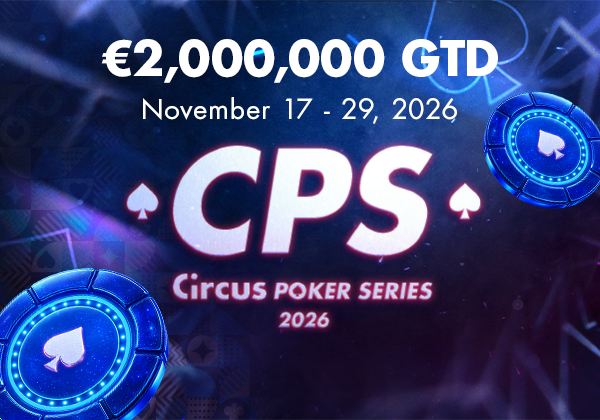
From 17 to 29 November 2026, the Circus Casino Resort Namur will host the latest edition of the Circus Poker Series, the biggest poker event of the year in Namur.
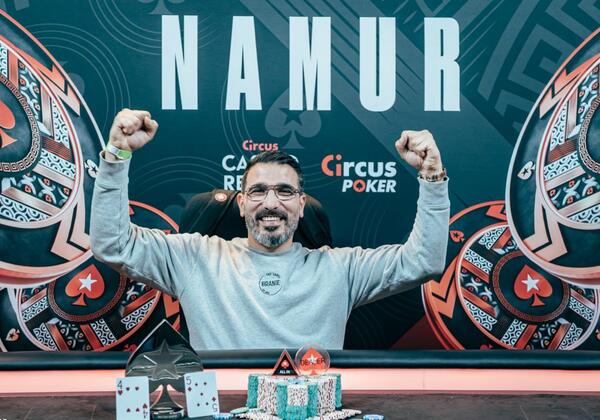
A four-hour final and a clear, flawless victory for Harum Karakus, who pockets €45,000 and a €2,200 ticket to the CPS! The battle was fierce before the Dutchman eliminated everyone...
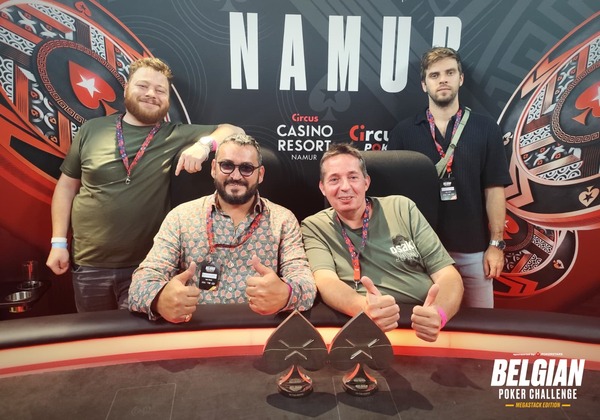
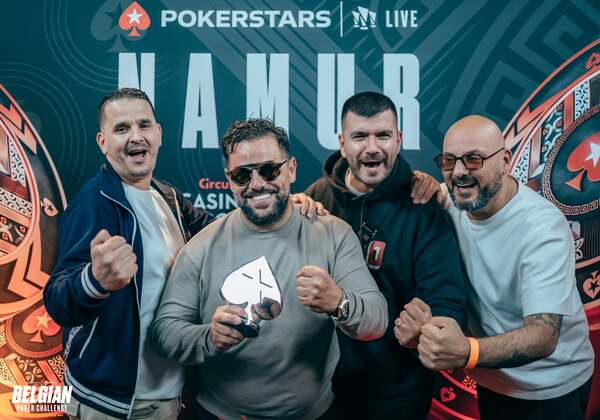
What a treat – a hard-fought final battle and a Belgian victory in the team event at the 2026 Belgian Poker Challenge. Well done to Antoine and Fred, who can now savour their victory by watching the replay of an explosive final!
384 entrants and, after two days of 40-minute levels, a final showdown between players from Liège! A €16,800 deal later, it was a regular at the Namur tournaments who came out on top...
and receive the latest offers and news from Circus Poker
