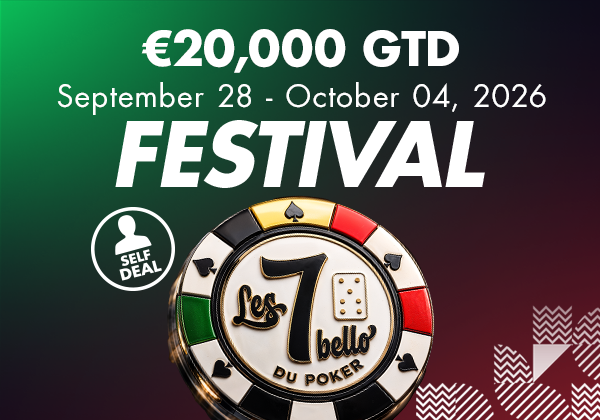
More
Thanks to our Ingenico payment platform, you can choose between several payment methods: BANCONTACT Enter your card number and expiry date (format: 02/26 = February 2026) then click on "Pay" and follow your bank's instructions. BANK CARDS (VISA DEBIT, AMERICAN EXPRESS) Enter the card number, expiry date (format: 02/26 = February 2026) and the CVC/CVV code on the back of your card. Add the cardholder's name and your billing address, then click "Pay" and follow your bank's instructions. OTHER
No, bank transfers are not offered as a payment method at Circus Poker. The reason is simple: in order to reserve a seat for you instantly at one of our poker tables, we need proof of payment, which is itself instantaneous. Only bank cards and credit cards allow us to do this.
An order can be modified at any time during the order process as long as payment has not been finalised. To do so, click on the "MODIFY ORDER" button to return to the shopping basket stage. Once the order has been paid for using a valid payment method, it can no longer be modified. In the event of a problem, please contact the establishment concerned by the tournament via the dedicated "Contact" page.
An order can be cancelled at any time during the order process as long as payment has not been finalised. To do so, go to the " My orders " section of your account. There you will find all your orders, identified by a number and a status. Orders with a Pending status can be cancelled by clicking on the 3 dots at the top right and then "Cancel order". Once the order has been paid for using a valid payment method, it can no longer be cancelled via the site. In the event of a problem, please
details, choose your payment method and click on the ORDER button (don't forget to accept the terms and conditions).
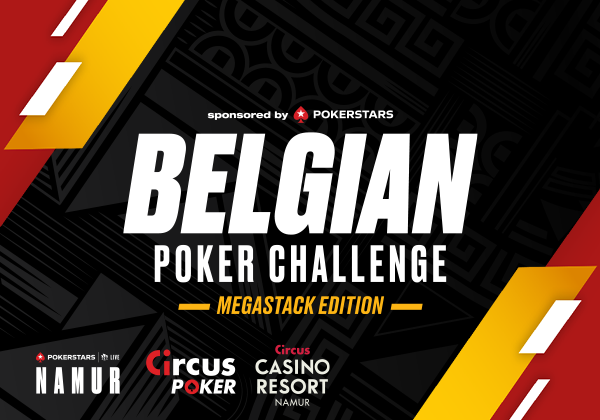
The Belgian Poker Challenge is getting a makeover!
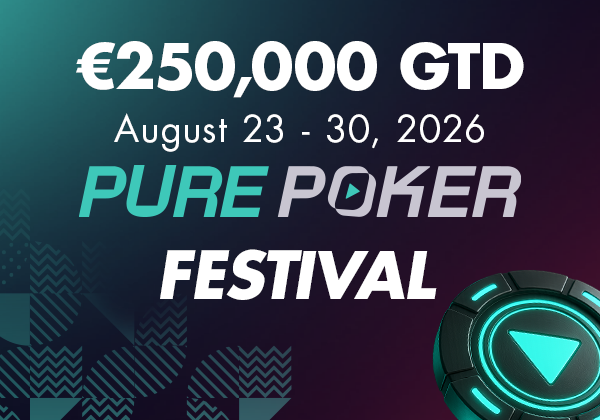
See you from 23 to 30 August at the Circus Casino Resort Namur!
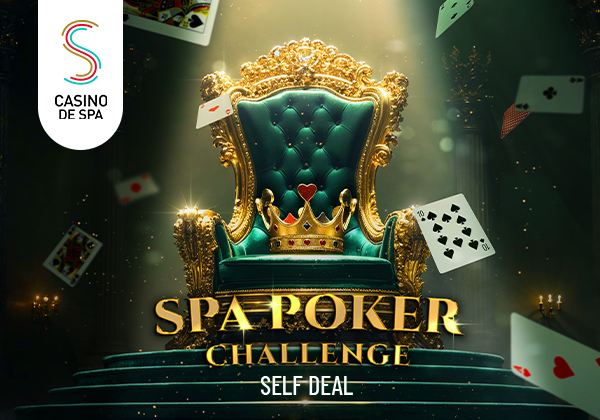
The Spa Poker Challenge offers a self-dealing tournament every Friday at the Casino de Spa, with a ranking based on the points accumulated at each elimination. The 10 best players will compete in the final with dealer on 20 September 2026 for a guaranteed prize pool of €1,500. ♠️

Big success for the first edition of the Lucky Dealer Series with a SOL DOUT before the start of the tournament.
From 13 to 17 May 2026, the Sharky Poker Feast V arrives at the Casino de Spa with €50,000 guaranteed and 5 days of 100% poker.
and receive the latest offers and news from Circus Poker