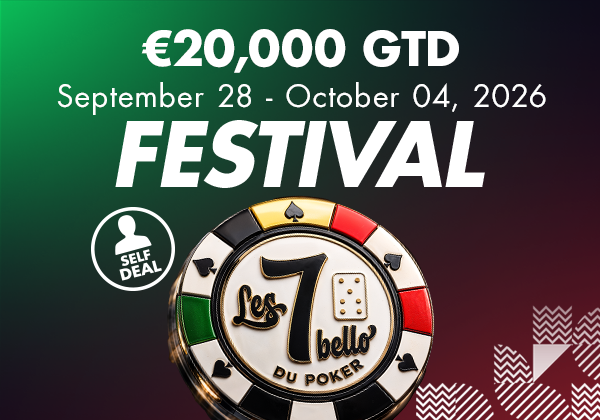
More
Enter theAgenda of one of our Circus Poker establishments (e.g. Namur) then click on the event for which you wish to reserve a place. On the event details page, click on the green "Add to basket" button . To view your basket, click directly on the 'View basket' button in the pop-up window that appears, or later via the button with the shopping trolley at the top right of your screen. Check the contents of your order and then click on the "ORDER" button. Then fill in/check your personal billing
At the end of your order, if the payment has been carried out correctly, you will receive a confirmation e-mail. If not, check your spam folder. Don't forget to show your identity card at the entrance to the venue to justify your place in the tournament. You can also use the confirmation e-mail.
When entering your login and password, click on the "Forgotten" link. Then enter your e-mail address in the next field and click on "SUBMIT". Then check your mailbox and click on the link in the mail sent by Circus Poker. If the link does not work, copy it into your browser window. This link leads to a page allowing you to change your password. On the new page, fill in the required fields and confirm your new password. All that's left to do is log in with your new details.
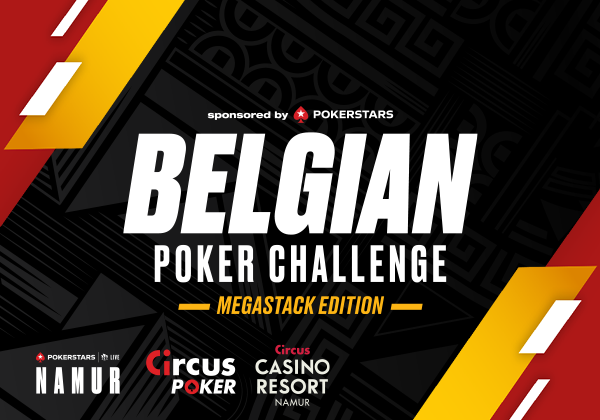
The Belgian Poker Challenge is getting a makeover!
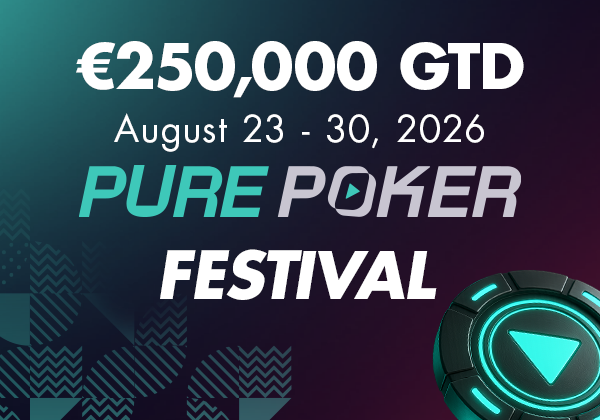
See you from 23 to 30 August at the Circus Casino Resort Namur!
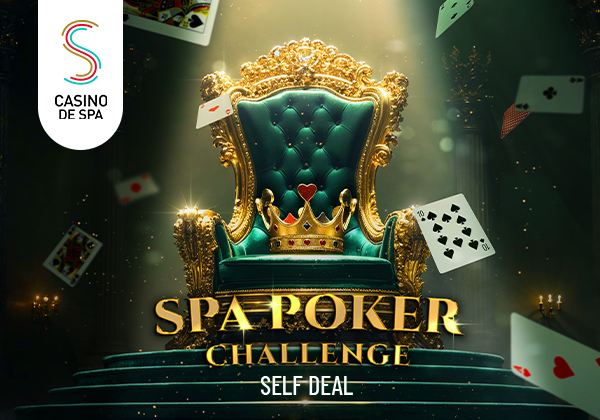
The Spa Poker Challenge offers a self-dealing tournament every Friday at the Casino de Spa, with a ranking based on the points accumulated at each elimination. The 10 best players will compete in the final with dealer on 20 September 2026 for a guaranteed prize pool of €1,500. ♠️

Big success for the first edition of the Lucky Dealer Series with a SOL DOUT before the start of the tournament.
From 13 to 17 May 2026, the Sharky Poker Feast V arrives at the Casino de Spa with €50,000 guaranteed and 5 days of 100% poker.
and receive the latest offers and news from Circus Poker